Screenshots
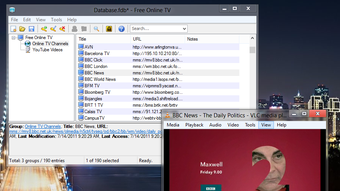
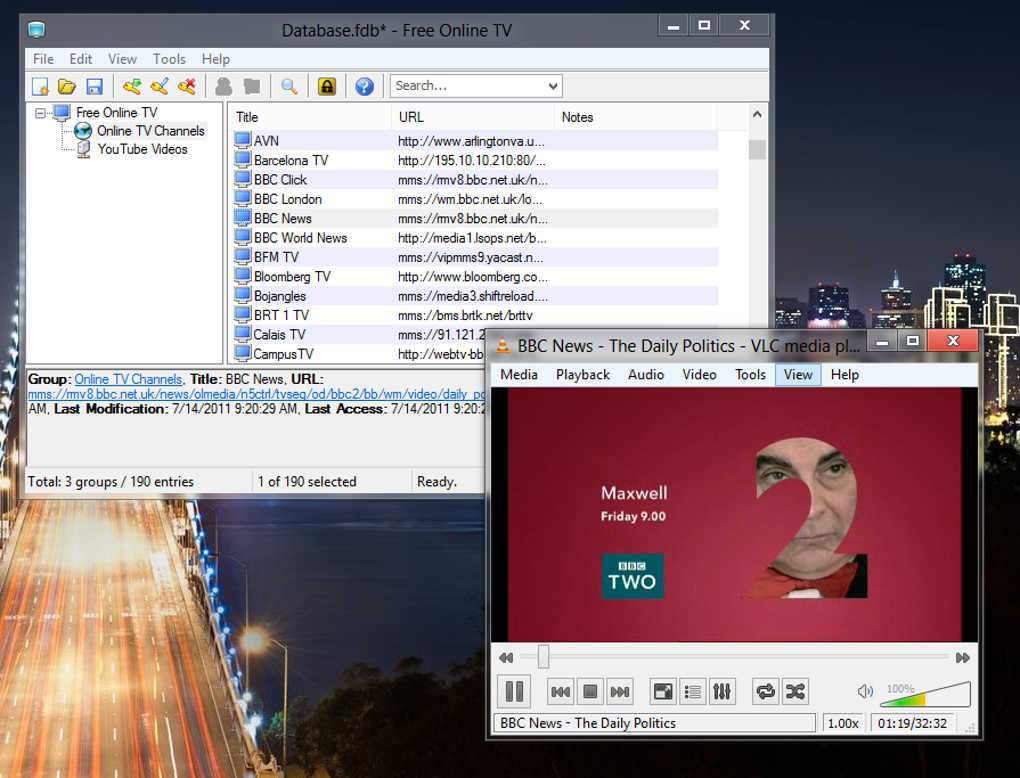
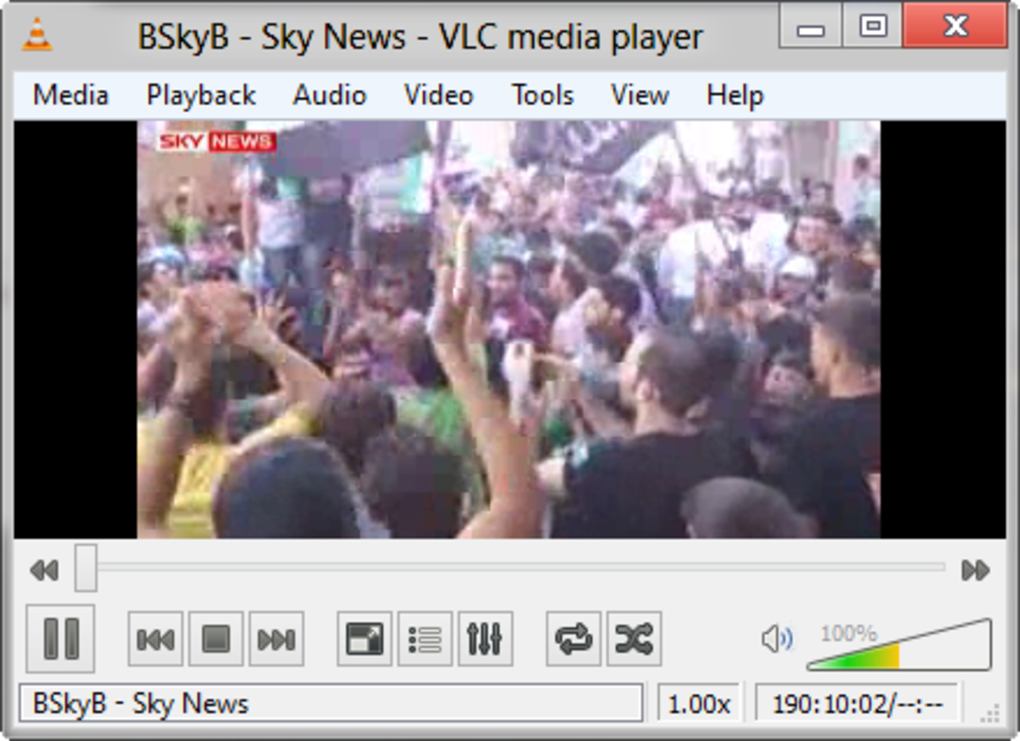
App details
- Version
- 1.0
- Size
- 27.73 MB
- Updated
- July 16, 2012
- Requires
- Windows XP
- Language
- English
- License
- Free
- Developer
- NETGATE Technologies
- Category
- Windows OS
SoftPas in:
This product is also available in the following languages:
About Free Online TV
Download Free Online TV – Watch Live TV Streams from Around the World (Free, Secure, Update)
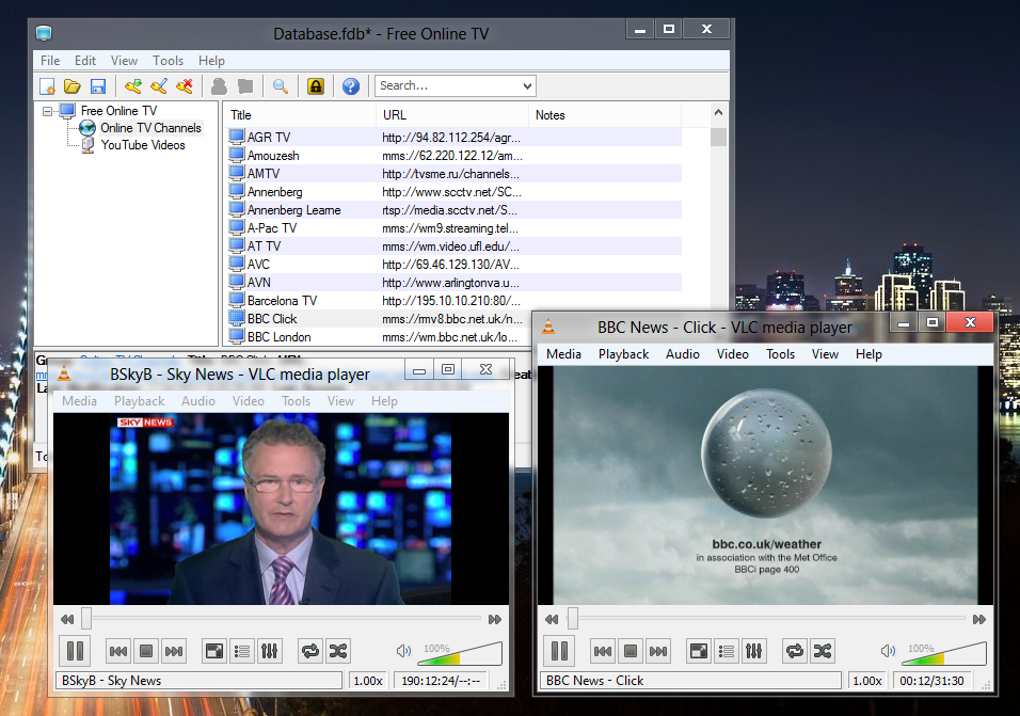
Free Online TV is a powerful yet underappreciated tool for anyone looking to ditch traditional cable subscriptions and access live television from around the globe. This free software provides users with a vast database of live video streams from hundreds of TV channels spanning over 100 countries. While it doesn’t offer local or regional programming, it excels in delivering international content—from news networks in Europe and Asia to entertainment and sports channels in Latin America and Africa. The platform is ideal for travelers, expats, or anyone curious about global media. Although it requires the VLC Media Player to function, once set up, Free Online TV becomes a straightforward gateway to a world of live broadcasts. The software is updated regularly, ensuring compatibility with new streaming sources and improved stability. With its lightweight design and no-cost access, it’s a compelling option for those seeking a secure, free alternative to expensive cable packages. However, the user experience is hindered by an outdated interface and inconsistent stream reliability. Despite these drawbacks, Free Online TV remains a valuable resource for global content lovers.
Key Features of Free Online TV
- Access to 1850+ Live TV Channels – Explore a diverse selection of international broadcasters from over 100 countries, including news, sports, entertainment, and educational programming.
- Free to Download and Use – No subscription fees or hidden costs. The software is completely free, making it accessible to users worldwide.
- Multi-Platform Support – Compatible with Windows, Mac, Android, and iOS devices. Stream live TV on your computer, tablet, or smartphone.
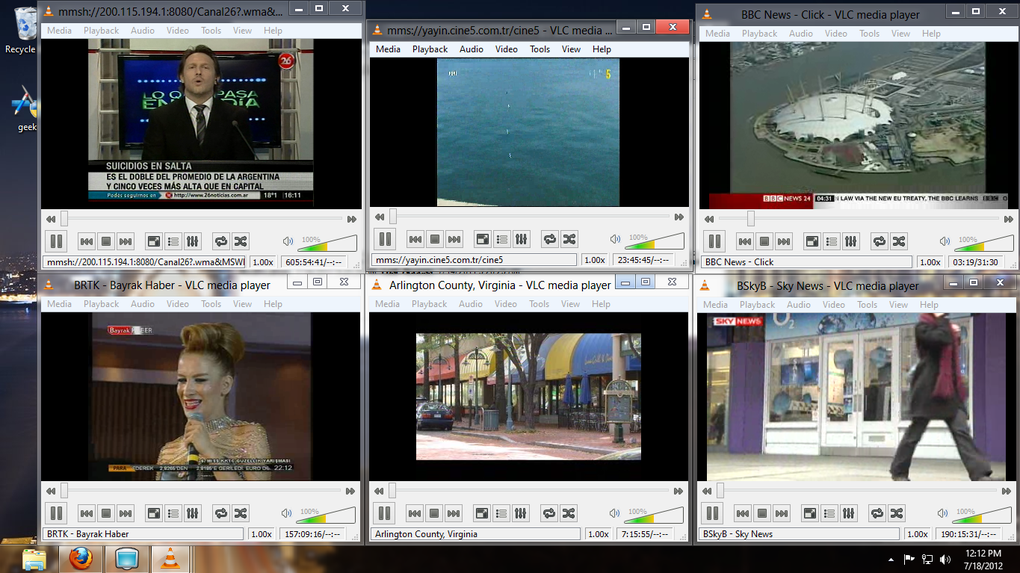
- Integration with VLC Media Player – Automatically opens streams through VLC, ensuring stable playback across different systems and network conditions.
- Regular Updates – The developers release frequent updates to fix broken links, improve performance, and add new channels.
- Secure Streaming Environment – No ads or malware. The software is safe to download and use, especially when obtained from the official website.
How to Install and Use Free Online TV
Getting started with Free Online TV is simple, though it requires a few preparatory steps. First, visit the official developer website and download the latest version of the software. Ensure you’re downloading from a trusted source to avoid bundled adware or malicious files. Once downloaded, run the installer and follow the on-screen instructions. The installation process is quick and straightforward, typically taking less than a minute.
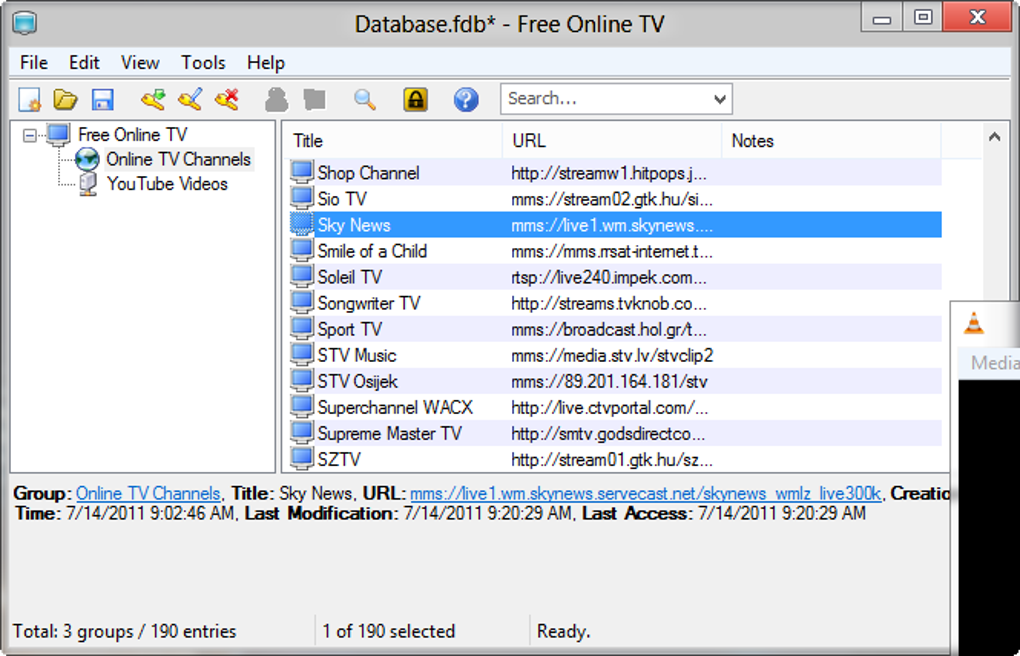
After installation, you’ll need to have VLC Media Player installed on your system. If you don’t already have it, download and install VLC from videolan.org. Free Online TV relies on VLC’s robust media playback engine to stream live video content, so this step is essential. Once VLC is set up, launch Free Online TV. The application will load a long list of channels, each represented by a name and a URL link.
To watch a channel, simply double-click on its entry in the list. The stream will open in VLC, and playback should begin immediately. If a channel fails to load, check your internet connection and try again. Some streams may be temporarily offline due to server issues. For better organization, consider creating custom playlists or saving favorite channels manually. While the interface lacks advanced filtering, you can sort channels by region or category using third-party tools or by browsing the list carefully.
Compatibility and System Requirements
Free Online TV is designed to be lightweight and compatible with a wide range of devices and operating systems. It supports Windows 7 and later, including Windows 10 and Windows 11, making it accessible to most desktop users. For Mac users, the software runs smoothly on macOS 10.12 (Sierra) and above, including the latest Apple Silicon (M1/M2) Macs. This cross-platform support ensures that both PC and Mac users can enjoy the same streaming experience.
Mobile users aren’t left out either. The app is available for Android and iOS, allowing you to watch live TV on your smartphone or tablet. While the mobile version may not offer the same level of customization as the desktop version, it still provides access to the core channel list and reliable playback via the built-in media player.
System requirements are minimal: a modern processor, at least 2GB of RAM, and a stable internet connection with a minimum speed of 5 Mbps for smooth playback. While most streams are not in HD, a faster connection (10 Mbps or higher) is recommended for a better viewing experience. The software does not require a dedicated graphics card, making it suitable for older or low-end devices. Regular updates ensure ongoing compatibility with new OS versions and improved security.
Pros and Cons of Free Online TV
Pros
- Extensive Channel Selection – Over 1850 live channels from 100+ countries offer unmatched global coverage.
- Completely Free – No hidden fees or subscription models. Ideal for budget-conscious users.
- Secure and Safe – Official downloads are free from malware and adware.
- Lightweight and Fast – Minimal system resource usage, even on older devices.
- Regular Updates – Developers actively maintain the software, fixing broken links and adding new content.
Cons
- Outdated Interface – The list-based layout lacks visual appeal and is hard to navigate.
- Unreliable Streams – Many channels fail to load or buffer frequently.
- Requires VLC – Users must install an additional app, which can be confusing for beginners.
- No HD Quality – All streams are in standard definition, limiting visual quality.
- Limited Search and Filter Options – No built-in search or category sorting makes finding channels difficult.
Frequently Asked Questions (FAQ)
Is Free Online TV really free to download?
Yes, Free Online TV is completely free to download and use. There are no subscription fees, in-app purchases, or hidden charges. The software is available for Windows, Mac, Android, and iOS from the official developer website.
Do I need VLC Media Player to use Free Online TV?
Yes, Free Online TV relies on VLC Media Player to stream live video content. The software doesn’t include its own media player, so you must install VLC separately. This ensures compatibility and stable playback across different systems.
Can I watch Free Online TV on my smartphone?
Yes, Free Online TV is available for both Android and iOS devices. You can download the app from the official website or app stores to stream live TV on your phone or tablet.
Why do some channels not work?
Live streams are often temporary and can go offline due to server issues, copyright restrictions, or regional blocks. The developers update the channel list regularly, but some links may still be broken. A stable internet connection can also improve stream reliability.
Is Free Online TV safe to use?
Yes, when downloaded from the official website, Free Online TV is safe and free from malware or adware. The developers prioritize user security, and the software has no intrusive pop-ups or tracking scripts.
Final Verdict and Call to Action
While Free Online TV has its flaws—most notably an outdated interface and inconsistent stream quality—it remains one of the most comprehensive free tools for accessing live international TV. Its massive channel database, cross-platform support, and regular updates make it a solid choice for global media enthusiasts. If you’re looking for a no-cost way to explore news, entertainment, and sports from around the world, this software delivers on its promise.
Despite the need to install VLC and the occasional broken link, the benefits outweigh the drawbacks for many users. For those who value freedom, variety, and affordability, Free Online TV is a must-try. Download it today from the official site and start exploring the world’s airwaves—no cable required.
Download Free Online TV now and experience global live TV for free!
Guides & Tutorials
How to install Free Online TV
- Click the Download button above.
- Once redirected, accept the terms and click Install.
- Wait for the Free Online TV download to finish on your device.
How to use Free Online TV
This software is primarily used for its core features described above. Open the app after installation to explore its capabilities.
User Reviews
No reviews yet. Be the first to share your experience.
You may also like
more
Llama 2
Free-to-use large language model As the new addition to Meta’s arsenal of langua...

NotebookLM
Revolutionizing the note-taking and idea-generation process NotebookLM is an exp...

Github co pilot
AI-inspired software development and coding platform GitHub Copilot is a browser...

Google Gemma
Google’s lightweight AI models Introducing Google Gemma , a family of cutting-ed...

AI Image Enlarger
A free app for Windows, by ai-image-larger. AI Image Enlarger is a free software...

DALL E
AI-driven text-to-image transformation engine DALL·E is a free graphic and desig...